Start here
Not sure what to fix? Start with the $97 checkup.
Written review. Prioritized fix list. 3 to 5 business days. No call needed.
Get the Checkup → Book a free 15-min call

Written review. Prioritized fix list. 3 to 5 business days. No call needed.
Get the Checkup → Book a free 15-min call
A written audit of your site, lead path, ad tracking, and follow-up gaps. Delivered in 3 to 5 business days. No call required.
Have questions first? Book a free 15-min call
Stop losing leads to slow websites and manual tasks. Start with the $97 Website and Workflow Checkup. Get $97 Checkup
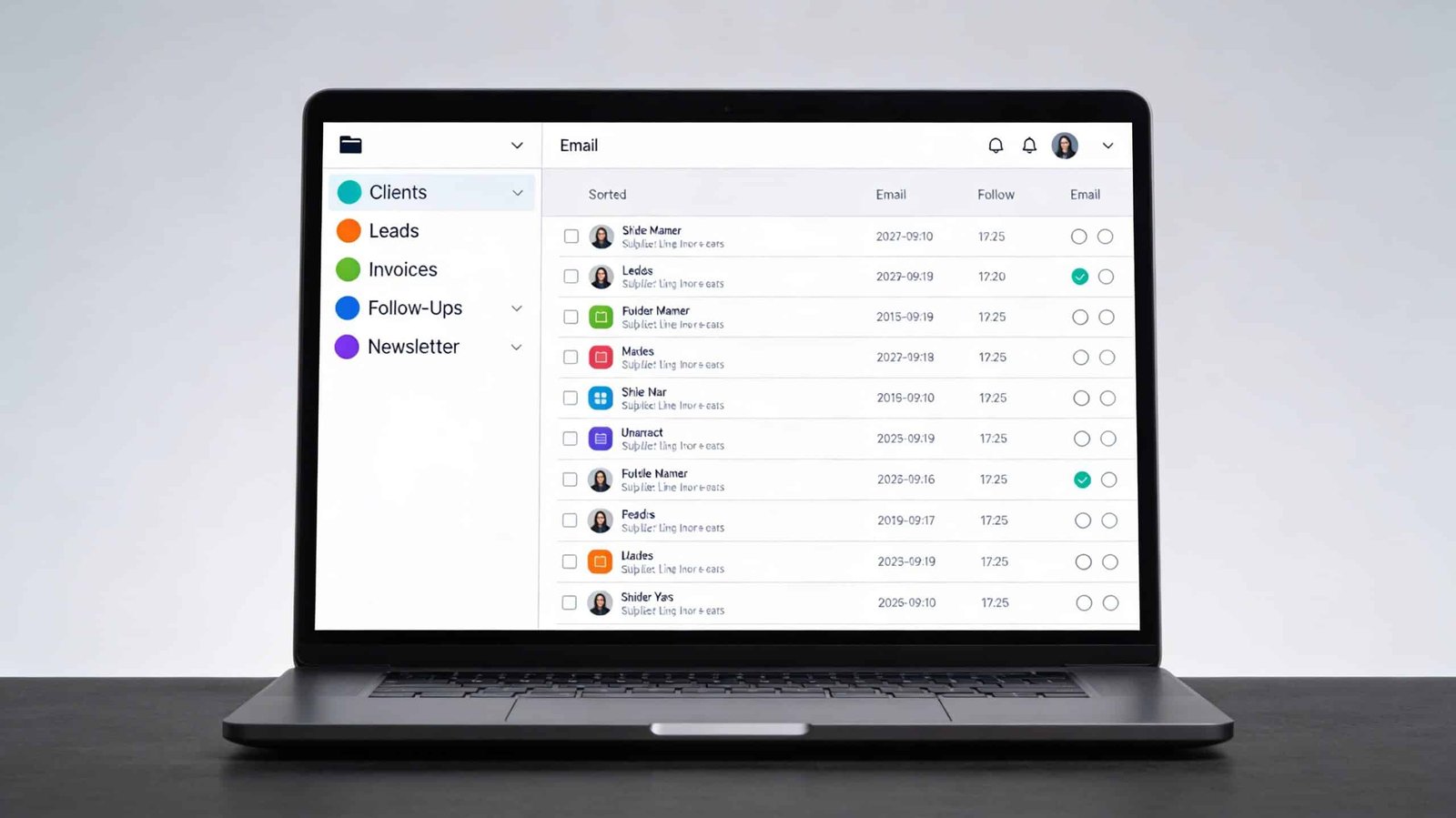
The average business inbox isn’t a lead management system. It’s a pile of everything, organized by time of arrival and nothing else. A genuine sales inquiry sits between a newsletter you subscribed to three years ago and a vendor follow-up that doesn’t require a decision this week. Because everything arrives with equal visual weight, every email requires a moment of triage before you can decide what it is and what to do with it. Multiply that moment by 80 to 150 emails per day and you’ve consumed a meaningful portion of your working hours on categorization work that should never require a human.
The solution isn’t inbox zero as a personal discipline practice. It’s inbox architecture that makes high-value emails, specifically leads and sales inquiries, surface automatically and trigger specific responses before you’ve had to touch anything manually.
The Cost of Manual Inbox Management
Before building anything, it’s worth quantifying what manual inbox sorting is actually costing. If you receive 100 emails per day and each requires an average of eight seconds of read-and-categorize time before you can decide what to do with it, that’s 13 minutes of triage per day. Across a five-day week that’s over an hour. Across a year that’s roughly 65 hours of time spent deciding what things are, not doing them.
Beyond the time cost, there’s the lead leakage problem. In a manually managed inbox, inquiry response time is entirely dependent on when the inbox owner happens to open email and whether the inquiry email is visually distinguished from everything else around it. Studies consistently show that response time is one of the strongest predictors of lead conversion in service businesses. A lead inquiry that sits unread for four hours in a busy inbox has a dramatically lower conversion probability than one responded to within 30 minutes. The AI chatbot and customer communication guide covers response time impact in detail. An automated inbox system addresses the root cause of slow response: the lead wasn’t identified quickly enough to prioritize.
Layer One: Native Email Filters and Labels
The first layer of inbox automation doesn’t require any AI tool. It requires using the filtering capabilities built into Gmail or Outlook that most people configure once for newsletters and then never revisit.
In Gmail, filters can be set to automatically apply labels, skip the inbox, mark as read, or forward based on sender, subject line content, or keywords in the body of the email. A filter that detects keywords commonly used in genuine inquiries, words like “interested in,” “pricing,” “availability,” “working together,” “quote,” or your specific service keywords, and applies a high-priority label to those emails immediately surfaces them above the inbox noise.
The limitation of keyword-based filters is false positives and false negatives. A newsletter about pricing trends in your industry triggers the pricing filter. A creative inquiry that doesn’t use obvious inquiry language gets missed. This is where AI-assisted classification adds real value.
Layer Two: AI-Assisted Email Classification
Several tools apply language model reasoning to email triage rather than simple keyword matching. SaneBox uses AI to classify emails by importance and automatically move lower-priority emails to a separate folder while leaving important ones in the primary inbox. It learns from your behavior over time, meaning the classification improves with use. The setup is minimal and it works with any email provider. For a service business receiving significant email volume, SaneBox’s basic tier at $7 per month typically recovers far more than its cost in time within the first two weeks.
Superhuman, a premium email client at $30 per month, builds AI triage and fast keyboard-based email processing into the email client itself rather than operating as a layer on top of an existing client. It’s overkill for most small business owners but worth noting for those who live in email and manage high-volume client communication.
For businesses using Gmail with Google Workspace, Gemini integration within Gmail now offers AI-powered email summarization and suggested responses that can meaningfully accelerate triage even without a separate tool. The practical use case is Gemini identifying which emails are likely leads or inquiries based on content analysis and flagging them with a summary before you open them.
The most powerful and customizable approach for technically comfortable business owners is using Make or Zapier with an OpenAI or Anthropic API integration to build a custom email classification automation. Every incoming email triggers the automation, the email body is passed to the AI model with a classification prompt, the model returns a category label, and the automation applies that label and routes the email accordingly. The prompt is what you control, and a well-written prompt that defines exactly what constitutes a lead inquiry for your specific business produces more accurate classification than any out-of-the-box tool.
A classification prompt for a web design business might read: “Classify this email into one of the following categories: New Inquiry, Existing Client, Vendor Outreach, Newsletter, Other. A New Inquiry is any email from a person who has not previously contacted this business and who expresses interest in web design, website creation, pricing, availability, or working together. Return only the category name.” The API call costs fractions of a cent per email. The labor it replaces is worth considerably more. This same AI-plus-automation logic is what makes the broader case for AI in small business operations clear: AI handles the classification and routing; humans handle the relationship and the close.
Layer Three: Automated Response Routing
Classification without action is just better labeling. The value of inbox AI is fully realized when the classification triggers a specific automated response path.
A New Inquiry label, applied either manually or automatically, should trigger a Zapier automation that does three things: creates a contact record in your CRM if one doesn’t already exist, applies a “New Lead” tag to that record, and initiates the first email in your lead response sequence. That first response can go out automatically within minutes of the inquiry arriving, acknowledging the message, confirming you received it, providing a specific timeframe for a full response, and potentially offering a direct scheduling link for a discovery call.
This automated first response does something important: it resets the lead’s experience of the response time. They sent an inquiry. Within minutes they received a personalized acknowledgment that didn’t feel like an autoresponder. By the time you see the email and send a substantive reply, they’ve already had a positive first interaction with your business. Response time perception is anchored to the first contact, not the most recent one.
For inquiry emails that arrive outside business hours, this automation is particularly valuable. An inquiry sent at 9 p.m. that receives an automated acknowledgment at 9:01 p.m. and a substantive personal response at 8 a.m. the following morning creates a better experience than one that sits unremarked until business hours.
Building the CRM Connection
The inbox automation is most valuable when it feeds directly into a CRM pipeline rather than just creating email labels. Every classified New Inquiry should become a CRM contact with a deal or lead record attached, a tag indicating the inquiry source, and an assigned follow-up task. If the classification automation creates the CRM record at the same moment it applies the inbox label, you never start a day with untracked leads that came in overnight.
Your CRM deal pipeline should have a stage specifically for inbox-sourced leads, separate from referrals, inbound from content, or other sources. This separation is practical rather than organizational: it lets you measure conversion rate by source, which tells you whether your inbox lead capture process is working and which source types convert at the highest rate. That data informs where to invest in lead generation and where the follow-up process needs improvement.
If you haven’t yet systematized the backend that this inbox automation feeds into, setting up a clean CRM and unified dashboard first gives the inbox automation somewhere useful to route the leads it captures. An automated inbox feeding into a manually managed, inconsistently updated CRM produces leads that fall through in the same place they always have, just faster.
Testing and Calibrating the System
Run the classification system for two weeks before relying on it fully. Review the classified emails daily and note any misclassifications. Genuine inquiries that got labeled Other represent missed leads. Newsletters that got labeled New Inquiry represent false positives. Both tell you something about how the classification logic needs to be adjusted.
For AI-based classification, adjust the prompt based on the patterns you observe. For filter-based classification, add or remove keywords based on what the two-week review shows. Most systems reach reliable accuracy within three to four weeks of calibration. After that the primary maintenance task is reviewing the classification log monthly and adjusting for new patterns in how inquiries arrive.
A self-sorting inbox doesn’t eliminate the need for thoughtful, personal responses to leads. It eliminates the time spent deciding which emails deserve them. That’s the only problem it’s solving. But it’s a problem that, left unsolved, costs service businesses real leads every month in slow response times and missed inquiries buried in a pile of everything else.
Two fixed-scope builds that fix both problems. No retainer to start. Live in under two weeks.






