Start here
Not sure what to fix? Start with the $97 checkup.
Written review. Prioritized fix list. 3 to 5 business days. No call needed.
Get the Checkup → Book a free 15-min call

Written review. Prioritized fix list. 3 to 5 business days. No call needed.
Get the Checkup → Book a free 15-min call
A written audit of your site, lead path, ad tracking, and follow-up gaps. Delivered in 3 to 5 business days. No call required.
Have questions first? Book a free 15-min call
Stop losing leads to slow websites and manual tasks. Start with the $97 Website and Workflow Checkup. Get $97 Checkup
This post contains affiliate links. If you purchase through a link on this page I may earn a commission at no extra cost to you. I only recommend tools I have evaluated or used.
Stop treating video content as optional. Most business owners publish blog posts, watch them collect 200 to 400 visits a month, and never convert that same content into video. The excuse is always the same: video production is too expensive, too complicated, too time-consuming. That excuse stopped being valid the moment tools like Pictory entered the market. This Pictory review explains exactly what this tool does, what it gets wrong, and whether it deserves a spot in your workflow.
Here is the math nobody wants to acknowledge. A blog post that takes 3 hours to research and write reaches a few hundred people through search. That same content, repurposed as a YouTube video, reaches a different audience entirely. YouTube is the second largest search engine on the planet. The content already exists. The only barrier is conversion from text to video. Pictory removes that barrier for less than the cost of a single freelance editing session.
Pictory takes written content and turns it into a finished video. You can paste a blog post URL, upload a script, or type directly into the editor. The tool reads your text, breaks it into scenes, selects matching stock footage from a library of millions of clips, adds captions, and generates a voiceover. The output is an MP4 file ready to upload to YouTube, LinkedIn, or any social platform.
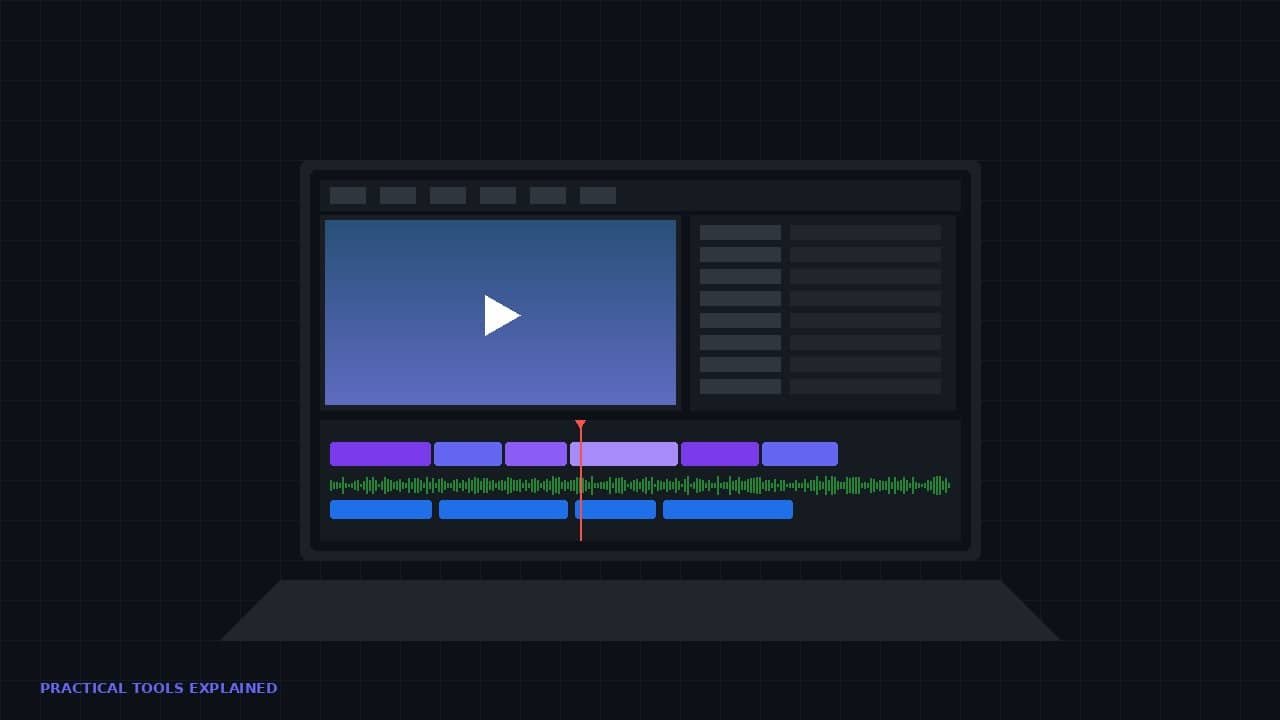
The workflow matters more than the feature list. You paste a URL. Pictory processes the page content and presents a storyboard. Each scene shows the text excerpt alongside the auto-selected footage. You review it, swap out clips that do not fit, adjust timing if needed, and hit render. The entire process takes 10 to 15 minutes for a video that would have cost $75 to $150 from a freelancer.
That does not mean it is perfect. But it does mean a business owner with zero video production skills can produce a finished video from existing written content in under 20 minutes. For anyone sitting on a library of unpromoted blog posts, that changes the calculation entirely.
The URL-to-video feature is the reason most people try Pictory in the first place. You paste a blog post URL. Pictory reads the full article, extracts the key points, and assembles a video with matching stock footage for each section. It generates a script overlay and adds background music.
It is not perfect on the first pass. The AI selects footage based on keyword matching, which means a paragraph about “building an email list” might get a clip of someone physically building something. Budget 10 minutes of corrections per video to swap out clips that miss the mark.
Here is where the value proposition becomes undeniable. If your business has 20 published blog posts sitting on your site right now, Pictory can convert them into 20 YouTube-ready videos. At 15 minutes per video including corrections, that is 5 hours of work to create an entire YouTube channel’s worth of content. For a business owner who has been telling themselves they will “start making videos eventually,” this is the tool that eliminates every remaining excuse.
The AI avatar feature lets you add an on-screen presenter without filming yourself. You select a digital presenter, provide a script, and Pictory generates a video where the avatar delivers your content with natural-sounding speech and realistic lip movement.
The output quality is impressive for educational and tutorial content. If you are producing explainer videos, software walkthroughs, or industry updates, the avatar works well. It reads with proper pacing and the visual quality is consistently professional.
The limitation is obvious: the avatar is clearly AI. For a personal brand built on authentic, face-to-camera presence, this feature is a mismatch. Your audience will notice. For branded educational content where personality is less critical than information delivery, it works well. Know which category your content falls into before relying on this feature.
Most people overlook the text-based editing feature, but it deserves more attention than the headline features. Instead of scrubbing through a video timeline, you edit a transcript. Delete a sentence and the corresponding footage disappears. Rearrange paragraphs and the video reorders itself.
This changes how fast you can polish a video. Trimming a 10-minute video down to 6 minutes becomes a 5-minute task. You read the transcript, highlight the sections that drag or repeat, delete them, and the video restructures itself automatically. For anyone who has spent 45 minutes trying to trim 90 seconds from a video using a traditional timeline editor, this feature alone is worth the subscription.
Combined with the auto-generated captions, you end up with a video that is accessible, properly paced, and trimmed to length without touching a timeline once. That is a workflow most freelance video editors would charge $50 to $100 to deliver.
The free plan exists but produces watermarked output. It is a trial, not a working plan. Do not evaluate Pictory based on the free tier.
The Starter plan costs $19 per month and allows 30 videos. For a solo business owner producing 2 to 4 videos per week, that covers everything. The Professional plan runs $39 per month and removes most limitations. Annual billing cuts both plans by roughly 50%, bringing the Starter plan to around $10 per month.
Compare that to the alternative. A freelance video editor charges $50 to $100 per video. A single month of Pictory’s Starter plan costs less than one freelance edit. If you produce 4 videos per month, you are saving $150 to $350 in editing costs every month. The tool pays for itself before you finish your second video.
If you have existing blog content you want to convert into video, try Pictory here and decide for yourself whether the output quality meets your standard. For most small business use cases, it will.
Pictory is not a replacement for original video production. If your content strategy requires you on camera, Pictory cannot deliver that. It generates videos from text using stock footage and AI presenters. The result is professional but not personal.
The stock footage library is extensive but generic. A video about AI video tools for small business will look polished. A video about a hyper-specific niche topic may end up with footage that feels loosely connected to the script. This is the trade-off for speed.
The AI voiceover is good but not great. It sounds natural enough for most business content. It does not sound like a human who cares about what they are saying. For tutorial and educational content, that is acceptable. For storytelling or emotional content, record your own voiceover and use Pictory for the visuals.
The best use of Pictory is not as your only video tool. It is the first step in a content repurposing pipeline. Write a blog post. Convert it to a YouTube video with Pictory. Pull short clips from that video for Instagram Reels and TikTok. You now have four or five pieces of content from one article.
If you are building a business video content strategy, Pictory handles the highest-friction step: getting from written content to a finished video. Once the video exists, platforms like CapCut handle the short-form editing. Your YouTube channel gets long-form content. Your social accounts get clips. One piece of writing becomes an entire week of content across every platform.
That is the workflow most marketing agencies charge thousands of dollars per month to execute. With Pictory and a basic understanding of social media video strategy, a solo business owner can replicate it for under $20 per month. The gap between businesses that produce video and businesses that do not is closing fast. Pictory is one of the tools making that happen.
Pictory earns an 8 out of 10 for what it does. It converts written content into finished videos faster and cheaper than any competing tool at this price point. It does one specific thing and it does that thing well.
It is not the tool for original creative video production. It is the tool for a business owner who has 30 blog posts collecting dust and wants to turn them into a YouTube presence without hiring an editor or learning Premiere Pro. If that describes your situation, Pictory is the correct answer.
If you want to see what your existing content looks like as video, start with Pictory here. Pick your weakest-performing blog post and convert it. If the output meets your quality bar, you have your answer. If you are building a full content creation stack, this is the video generation layer.
Next up: I put Pictory head-to-head against CapCut to answer the question every business owner asks after trying both. They solve different problems, and using the wrong one for the wrong task wastes money. That comparison is coming next.
Two fixed-scope builds that fix both problems. No retainer to start. Live in under two weeks.







Alright lads, betrupeeslogin… Pretty easy to get into. Just remember your password, yeah? Give it a looksie: betrupeeslogin
Bjbajilogin was surprisingly uncomplicated! Logged in without any dramas. Might be worth checking out. Check out bjbajilogin
Heard some buzz about gigabetonline. Seems like another betting site. Anyone had any big wins? Check it out: gigabetonline
References:
Cat Casino Auszahlung Giropay Online Casino Deutschland